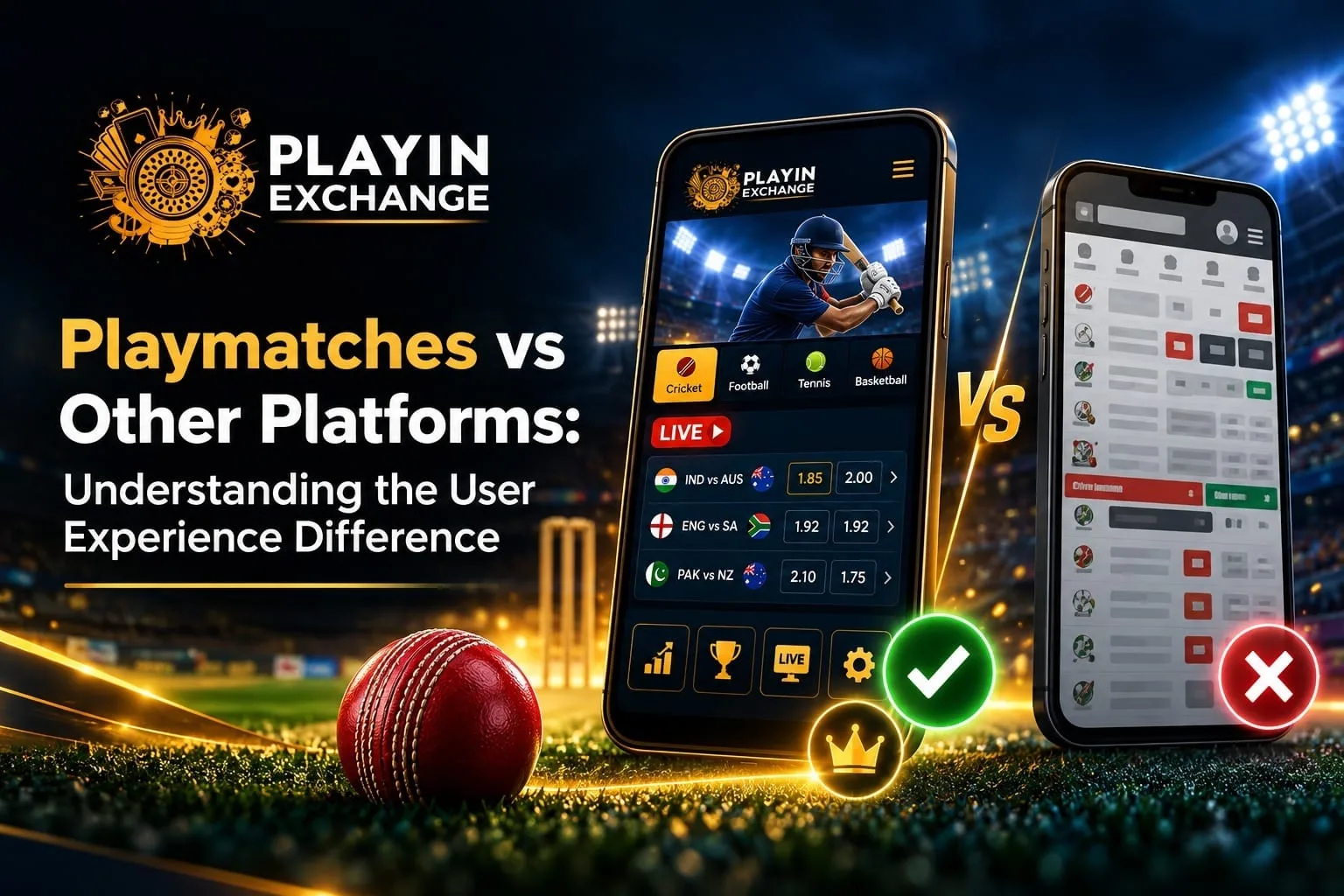
Two platforms can look equally polished until you need help finding a setting or recovering access. When comparing Playmatches with other services, the useful question is how clearly each handles everyday tasks. Even something as familiar as playinmatch login deserves attention beyond the first screen.
We assess user experience through understandable information, comfortable navigation and accessible help. A usable interface does not make betting outcomes more predictable.
Compare the Journey From Entry to Your First Task
Start with a familiar task, such as finding a cricket event or account guidance. Check whether the route is obvious without opening unrelated menus.
We provide public information about sports ID guidance, account access and support contacts. Use that information as a starting point for your comparison.
Can you identify the next step without guessing? Once that is clear, examine how comfortably the page presents it.
Look for Quality You Can Read on a Small Screen
A crowded homepage may contain plenty of features while making basic details difficult to find. Compare text size, spacing, button labels and how easily you distinguish instructions from promotional messages.
Imagine checking an event on an older phone during a break. Tiny controls or text hidden behind a pop up can make a simple task frustrating.
A useful design keeps important information readable without forcing you to hurry. Clear presentation also helps when access is interrupted.
Judge Help by the Explanation You Receive
Support quality matters when the usual journey stops working. Visible contact options help, but the response should explain what happened and what you need to do next.
When assessing Playmatches, review the support guidance alongside the account access information. If Playinmatch login is interrupted, ask whether the issue concerns credentials, verification or a temporary service problem.
Compare how clearly services communicate the next step, rather than assuming a quick reply resolves everything. Never provide a password or verification code in a support conversation. The same need for clarity applies when moving between devices.
Check Versatility Without Assuming Every Feature Is Available
Both quick phone checks and detailed computer reading should feel understandable. Compare navigation labels and help information across the supported devices you actually use.
For Indian readers and those elsewhere, also check whether the service, payment options and account requirements apply in your location. Availability can differ, so a feature listed for one audience may not suit another.
More categories do not guarantee better experiences. Relevant options and clear access conditions make the comparison more useful over time.
Measure Lasting Value Through Repeated Everyday Use
Consider the effort required after the first visit. Can you find earlier information, understand an account notice and return to an unfinished task without starting your search again?
A service that explains verification requirements, charges and withdrawal conditions clearly gives you more information for planning. Check those explanations before committing money; promised processing times are not guarantees.
Long term value comes from reduced confusion and informed choices. It also reflects changing customer expectations.
Expect Transparency and Room to Decide
Customers need understandable terms and control over their activity. Compare whether important conditions are easy to locate and whether support answers questions without pressuring you to deposit.
Read unfamiliar instructions carefully, and pause when anything feels unclear. Convenience should support your decisions while leaving room to step away from betting altogether.
Read More : Playmatches Sports Bookmark Management Guide for Users
Conclusion
Compare Playmatches through the tasks that matter to you, from readable screens to useful support. Review playinmatch login guidance as part of that wider journey. We welcome careful questions and encourage you to choose an experience that fits your needs, location and personal boundaries.
FAQs
What should I compare first?
Choose a task you use regularly. Check how clearly each service guides you.
Does a polished homepage prove better service?
Appearance is only one factor. Access recovery and helpful explanations matter too.
Should mobile and desktop experiences be identical?
Layouts may differ. Important instructions should remain understandable on each supported device.
Can support guarantee immediate withdrawals?
Support can explain the process. Verification and applicable conditions can affect timing.
Are all features available in every country?
Availability can vary by location. Confirm applicable requirements before creating an account.