Getting locked out of an account can be frustrating, especially when you are trying to access it from a mobile device. A failed login does not always mean there is a serious account problem. Incorrect credentials, connection issues, outdated app data, verification delays, or temporary technical problems can all interrupt access. Current Playinmatch-related login pages commonly provide username and password fields, password recovery, and support options, while some registration pages also use OTP verification.
If you are experiencing a Playinmatch App login failure, the best approach is to work through the basic checks before making major changes to your account or device. This guide explains practical steps that can help restore access while keeping the process simple and secure.
Check Your Login Details First
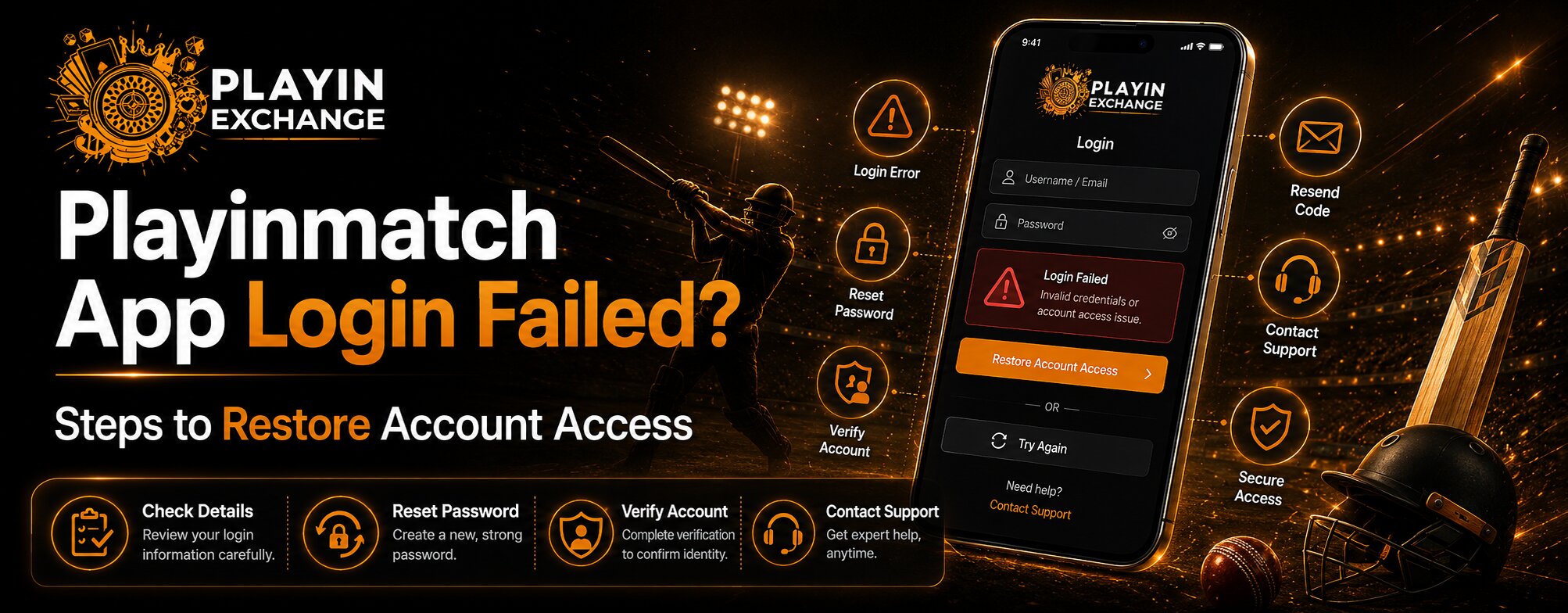
The most common reason for a failed login is an incorrect username or password. Before trying anything complicated, carefully check the information you have entered.
Look for:
- Extra spaces before or after your username
- Incorrect capitalization
- A mistyped password
- An old password saved by your browser
- Using a different email or mobile number than the one linked to your account
Avoid repeatedly entering guesses. Several unsuccessful attempts can make account recovery more difficult, depending on the platform’s security settings.
Check Your Internet and App Connection
A weak or unstable connection can prevent an app from completing the login process. Try opening another website or application to confirm that your internet connection is working properly.
If the connection appears unstable, switch between Wi-Fi and mobile data. You can also close the Playinmatch App completely and reopen it.
This simple step is often overlooked, but a reliable connection contributes significantly to a smoother and more comfortable mobile experience.
Use Password Recovery When Necessary
If you cannot remember your password, look for the Forgot Password option rather than repeatedly trying different combinations. Playinmatch login pages currently show a password recovery option alongside the standard login fields.
Follow the recovery instructions carefully and use the registered contact details associated with your account. Never share your password or OTP with another person, even if someone claims to be helping with account access.
Check Verification and Registration Details
Account verification can sometimes affect access, particularly after changing a phone, browser, or other account information. Some Playinmatch registration material describes OTP-based verification during account creation.
If you recently completed playinmatch signup, make sure you are using the same registered details when attempting to log in. Also check whether an OTP has been delivered to your registered contact method before requesting another code.
If an OTP does not arrive immediately, wait briefly before requesting another one. Multiple requests can sometimes create confusion about which code is currently valid.
Update or Refresh the App
An outdated application can create compatibility or performance problems. Check whether a newer version is available through the official source you normally use.
If the application is already updated, restarting your device can help clear temporary system issues. On Android devices, clearing an app’s cache may also help when stored temporary files become corrupted. However, avoid clearing app data unless you understand that it may remove locally stored login information.
Consider Browser Access for Troubleshooting
If the app continues to fail, trying the platform through its supported web login can help identify whether the issue is limited to the application.
If browser access works while the app does not, the problem may relate to the app installation, cached data, or device compatibility rather than your account credentials. Current Playinmatch-related pages provide web login as an account access method.
Read more : Playmatches & the Rise of Skill-Based Gaming Platforms in India
Contact Support If Nothing Works
If you have checked your credentials, connection, password recovery, verification, and app status but still cannot access your account, contacting the platform’s support team is the sensible next step.
Keep your registered username or contact details available, but do not send your password or OTP. Clear communication helps support staff understand the problem without exposing unnecessary account information.
Think About Long-Term Account Security
Restoring access is only part of the solution. Good account habits can reduce future login problems and improve overall customer experience.
Use a strong, unique password, keep your registered contact information current, avoid logging in through unfamiliar devices, and do not share authentication codes. These simple decisions support both convenience and security over the long term.
As customer expectations change, users increasingly want mobile platforms that combine easy access with clear security measures. A reliable login process should provide both comfort and protection rather than making users choose between the two.
Conclusion
A failed login does not necessarily mean that your account has been lost. Start with the basics by checking your credentials, internet connection, verification status, and password. If necessary, update the app, refresh temporary data, or use supported browser access before contacting customer support.
Taking a calm, step-by-step approach can make account recovery easier and reduce the chance of making the problem worse. For users who rely on mobile access, these habits also create a more dependable experience with Playmatches, while keeping account security and thoughtful decision-making in focus.
FAQs
Why is my Playinmatch App login failing?
A login can fail because of incorrect credentials, an unstable internet connection, outdated app data, verification issues, or temporary technical problems.
What should I do if I forget my Playinmatch password?
Use the available password recovery option and follow the verification instructions associated with your registered account details.
Why am I not receiving my Playinmatch OTP?
Check your network connection and registered contact details, then wait briefly before requesting another OTP. Never share an OTP with anyone.