
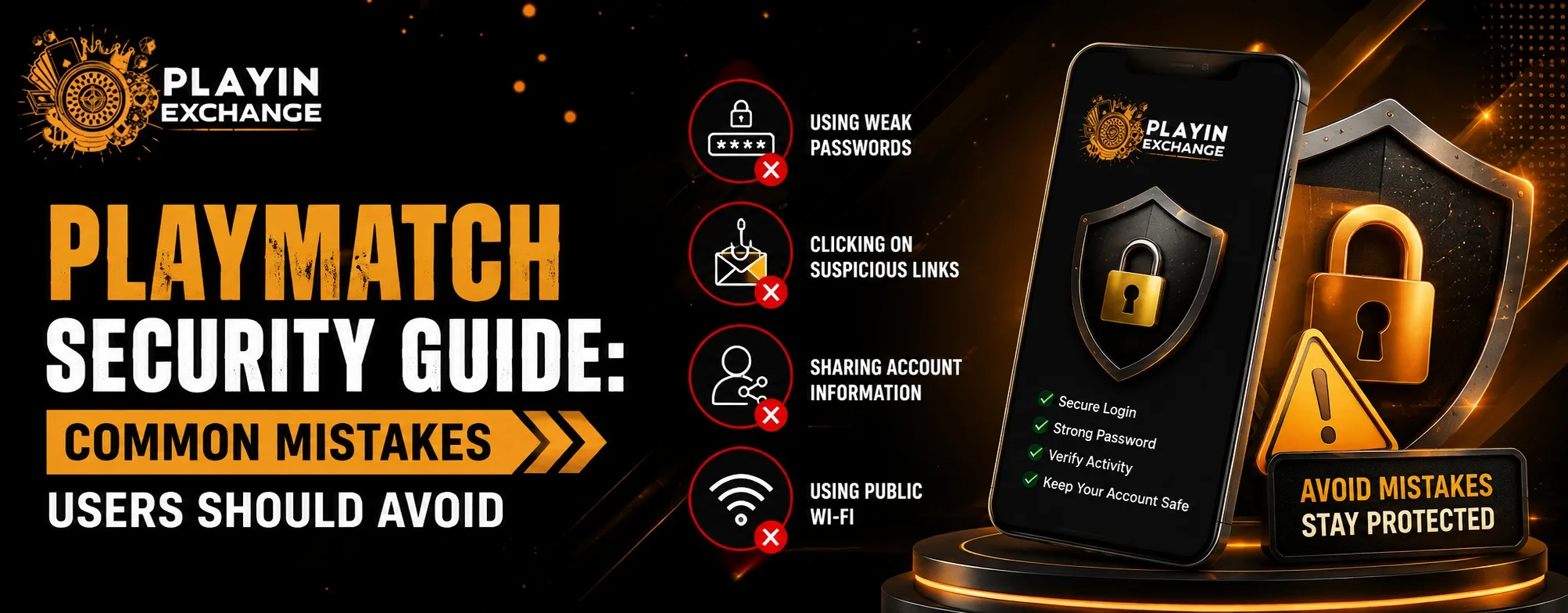
Online platforms are convenient when users can access their accounts quickly and manage their information without unnecessary complications. At the same time, account security depends on more than the technology provided by a platform. Everyday choices, such as password habits, device settings, suspicious links, and account-sharing practices, can also affect safety. This Playmatch security guide explains common mistakes users should avoid and simple ways to build better digital habits.
Why Account Security Matters
A user account can contain personal information, contact details, preferences, activity records, and other data that should not be exposed unnecessarily. A security problem may also create an uncomfortable customer experience if someone loses access to an account or has to recover information.
Good security is therefore about both protection and convenience. Users should be able to sign in, use available features, and manage their accounts without making security unnecessarily complicated.
The best approach is thoughtful decision-making. Instead of waiting until something goes wrong, users can take a few basic precautions from the beginning.
Mistake 1: Using the Same Password Everywhere
One of the most common security mistakes is reusing the same password across multiple websites and applications. If one account is compromised, attackers may try the same credentials elsewhere.
A better approach is to use a strong, unique password for important accounts. A password manager can also make it easier to maintain different passwords without having to remember every one manually.
Users should avoid passwords based on easily available information, such as names, birthdays, phone numbers, or simple combinations.
Mistake 2: Sharing Login Details
Account credentials should remain private. Sharing a username, password, verification code, or recovery information with friends or strangers can create unnecessary risks.
Even if someone appears trustworthy, users cannot always control how those credentials are stored or where they may eventually be shared. Keeping login details private provides a basic layer of protection and makes account activity easier to manage.
If someone asks for a password or verification code through an unexpected message, users should verify the request through an official support channel instead of responding immediately.
Mistake 3: Clicking Unverified Links
Phishing remains a major online security concern. A message may look genuine while directing users to a fake login page designed to collect credentials.
Before entering account information, check the website address carefully and avoid links received from unknown sources. Spelling differences, unusual domains, urgent warnings, and requests for sensitive information can all be warning signs.
When in doubt, opening the platform through a trusted source is safer than clicking an unfamiliar login link.
Mistake 4: Ignoring Device Security
Even a well-protected account can become vulnerable if the device used to access it is poorly secured.
Users should keep their operating system, browser, and applications updated. Screen locks should also be enabled on phones, tablets, and computers. Public or shared devices require extra caution, particularly when accessing personal accounts.
When finishing a session on a device that other people can access, signing out is a simple step that can prevent unwanted account access.
Mistake 5: Downloading Apps From Untrusted Sources
App security also matters. Users should be careful when downloading applications from websites or stores they do not recognize.
Official app stores provide useful information about an application’s developer, permissions, updates, and data practices. For example, the current Google Play listing for the Playmatch app states that data is encrypted in transit and provides a data-safety section for users to review.
Users should still review permissions and install updates rather than assuming that every application or download source is automatically safe.
Privacy and Data Awareness
Security and privacy work together. Before using an online service, users should understand what information they provide and why it may be collected.
The available playinmatch signup privacy policy describes information such as account details, device information, usage statistics, optional location data, and crash information. It also explains that account and authentication information is used to provide core services.
This is why reviewing privacy settings and policies is valuable. Customers can make more informed choices when they understand how their information is handled.
How Better Security Improves Customer Experience
Strong security does not have to make an application difficult to use. Good security practices should support quality, comfort, and ease of use by reducing avoidable problems.
For customers, this can mean fewer account recovery issues, greater confidence when signing in, and better control over personal information. A secure experience also supports versatility because users may access services through different devices and situations.
For us, listening to changing customer expectations means recognizing that convenience alone is no longer enough. Users increasingly expect digital services to treat privacy and security as part of the overall experience.
Think About Long-Term Digital Habits
Security is not a one-time task. Passwords, devices, applications, and online threats change over time.
Users should periodically review account activity, update outdated credentials, remove unnecessary applications, and check privacy settings. These small actions can provide long-term value because they create habits that apply beyond one platform.
Thoughtful digital behavior can also support a more sustainable online experience. Instead of reacting to every security problem after it happens, users can reduce unnecessary risks through regular maintenance and informed decisions.
Final Thoughts
Account security works best when technology and responsible user behavior work together. Avoiding password reuse, protecting login details, checking links, securing devices, and downloading applications carefully can make everyday account use more comfortable and reliable. By following these practical habits, playinmatch login users can take a more informed approach to protecting their accounts while maintaining a smooth digital experience.
FAQs
1. What is the most common account security mistake?
Password reuse is one of the most common mistakes. Using a unique, strong password for each important account can reduce the impact of a compromised credential.
2. Should I share my Playmatch login details with someone I trust?
It is better to keep login credentials private. Sharing passwords or verification codes can make your account harder to protect and manage.
3. How can I identify a suspicious login link?
Check the website address carefully before entering information. Unexpected messages, unusual domains, spelling errors, and urgent requests for credentials are common warning signs.
4. Why should I keep my device and apps updated?
Updates can include security improvements and bug fixes. Keeping software current helps reduce risks associated with outdated versions.
5. What should I do if I think my account information has been exposed?
Change the affected password immediately, secure your email or recovery account, review recent account activity, and contact the platform through an official support channel if further assistance is required.