When trying to log in or register on an online sports platform, one of the most common frustrations is waiting for an OTP that never arrives. If you are facing this issue on Playmatches com, you are not alone. OTP problems can happen for several reasons, including network delays, incorrect phone numbers, message filtering, or temporary technical issues.
The good news is that most OTP issues can be solved in a few minutes. In this guide, we will explain why the problem occurs, what steps you should take, and how these solutions contribute to a smoother and more reliable customer experience.
Why OTP verification matters
OTP verification is an important part of account security. It helps confirm that the mobile number belongs to the person accessing the account. This reduces unauthorized access and protects user information.
A strong verification process also improves trust. Users expect modern platforms to balance security with convenience. When the OTP system works well, the registration and login process feels fast and comfortable.
First check the basics
Before trying advanced troubleshooting, verify a few simple things.
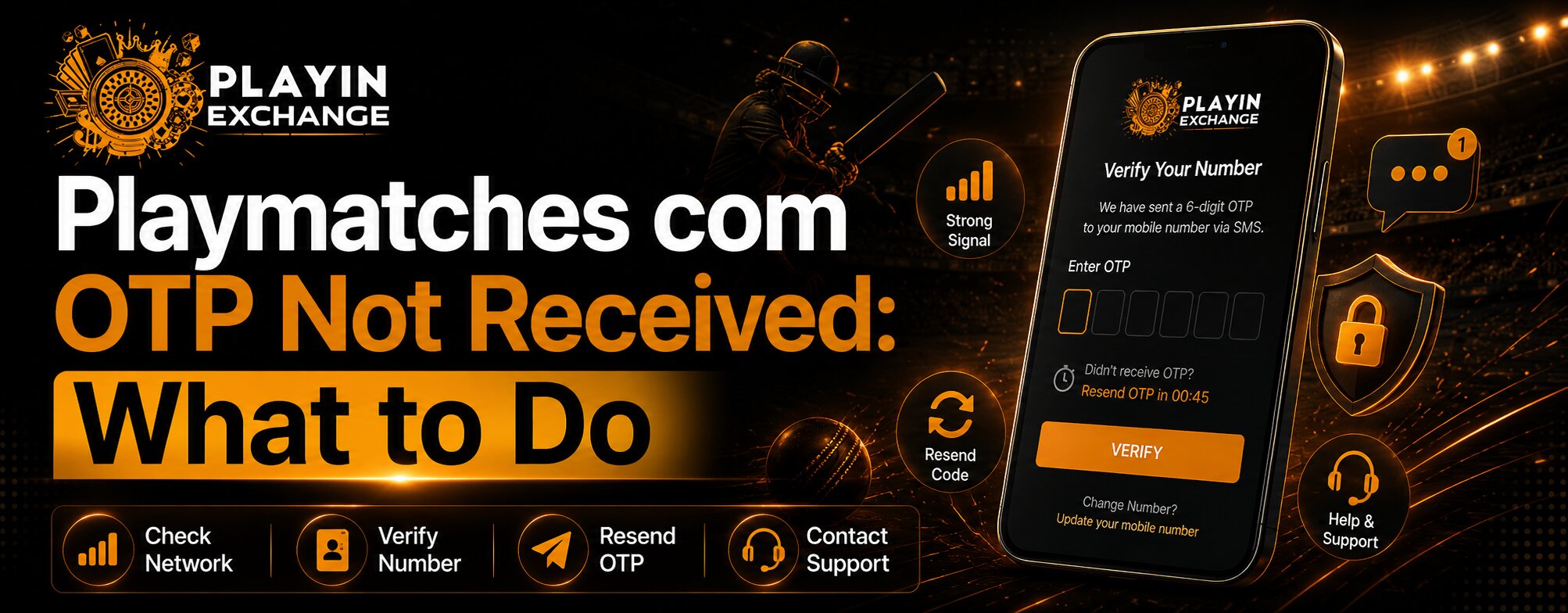
- Make sure the mobile number is entered correctly.
- Check that your phone has network coverage.
- Ensure SMS services are active on your device.
- Wait at least 30 to 60 seconds before requesting another OTP.
Many OTP messages arrive with a slight delay, especially during periods of high traffic.
Check for blocked or filtered messages
Smartphones sometimes filter automated messages into spam or promotional folders. Open your messaging app and check:
- Spam folder
- Promotional folder
- Archived messages
- Blocked senders list
If the sender has been blocked accidentally, future OTPs may never appear in your inbox.
Avoid requesting multiple OTPs too quickly
Repeatedly tapping the “Resend OTP” button can actually create confusion. The system may generate several codes, and only the latest one will work.
For a better experience, request the OTP once, wait for a minute, and then try again if necessary. This small step improves ease of use and reduces unnecessary frustration.
Restart your phone and network connection
A quick restart can solve temporary network or device issues.
- Turn airplane mode on for 10 seconds, then off.
- Restart your phone.
- Switch between mobile data and Wi-Fi if available.
- Check whether other SMS messages are being received.
These actions often restore normal message delivery.
Verify whether the platform is experiencing delays
Sometimes the issue is not with your phone. During busy periods, OTP delivery may be slower than usual.
If other users are also reporting delays, it is best to wait a few minutes and try again later. Patience can prevent repeated failed attempts and help maintain a smoother customer experience.
This is especially relevant when many users are accessing features such as playmatches live, where traffic may temporarily increase.
Clear browser or app issues
If you are using the website, clear your browser cache and cookies. If you are using the app, update it to the latest version.
An outdated app or corrupted browser data can interfere with the verification process.
For users who regularly access sports features, including playmatches game activities, keeping the app updated supports better performance and long-term reliability.
How Playmatch supports a better user experience
A good verification system should not only be secure but also easy to use. At Playmatch, we focus on creating a process that feels straightforward for both new and returning users.
Key aspects of a positive verification experience include:
- Clear instructions
- Fast OTP delivery
- Simple resend options
- Helpful error messages
- Accessible support channels
These elements reduce confusion and make the platform more comfortable to use across different devices.
Read more : How to Create an Account on Playmatches Com in 2026
When to contact customer support
If none of the above steps work, contact support with the following details:
- Your registered mobile number
- The time you requested the OTP
- Whether you are using Android, iPhone, or desktop
- A screenshot of any error message
Providing accurate information helps the support team resolve the issue more quickly.
Quality, comfort, and long-term value
Reliable OTP delivery is part of overall platform quality. Users may not think about it when everything works, but it becomes very important when access is delayed.
A smooth verification process offers:
- Greater comfort during login
- Faster account access
- Better trust in the platform
- Reduced support requests
- Improved long-term satisfaction
These benefits matter not only for first-time users but also for regular users who expect consistent performance.
Thoughtful digital behavior
If you are not receiving OTPs repeatedly, avoid creating multiple accounts or continuously resending codes. This can trigger temporary security restrictions.
A more thoughtful approach is to verify your number carefully, wait between attempts, and contact support if the issue continues. Responsible use helps maintain system stability for everyone.
In a broader sense, reducing unnecessary OTP requests also supports more efficient use of digital infrastructure, which is a small but meaningful aspect of sustainable technology practices.
Conclusion
Not receiving an OTP can be frustrating, but in most cases the solution is simple. Start by checking your number, network, and message folders. Avoid repeated resend attempts, restart your device, and make sure your app or browser is updated.
If the problem persists, customer support can help investigate the issue further. A reliable verification process is essential for security, comfort, and long-term trust.
As user expectations continue to evolve, platforms must provide both strong protection and a smooth experience. That is the approach we aim to maintain at playinmatch signup. Whether you are logging in for the first time or returning to enjoy your favorite sports features, taking the right troubleshooting steps can help you regain access quickly and continue using the platform with confidence. Once your OTP issue is resolved, Playmatches becomes much easier and more enjoyable to use.
FAQs
Why am I not receiving the OTP on Playmatches?
The OTP may not arrive due to network delays, an incorrect mobile number, blocked SMS messages, spam filtering, or temporary platform-related delays.
How long should I wait before requesting another OTP?
It is best to wait 30 to 60 seconds before tapping the resend option. Requesting multiple OTPs too quickly can sometimes create confusion because only the latest code will work.
Does updating the Playmatches app help fix OTP issues?
Yes. Using the latest version of the app can improve compatibility and fix technical issues that may affect the OTP verification process.
What should I do if the OTP still does not arrive after trying all fixes?
Contact Playmatches customer support and provide your registered mobile number, the time you requested the OTP, your device type, and any error message or screenshot to help resolve the issue faster.