Confirm the Correct Platform Before You Act
Search results and saved tabs can make similarly named services easy to confuse. If you searched for “playinmatch login,” do not assume instructions for that service apply to a payment made somewhere else. Check the app or website you used, the merchant name on your bank statement, and your receipt. Avoid switching to an unfamiliar domain because a page claims it is an updated login.
Once you identify the service, review the transaction record rather than relying on memory.
Check the Payment Details for Accuracy
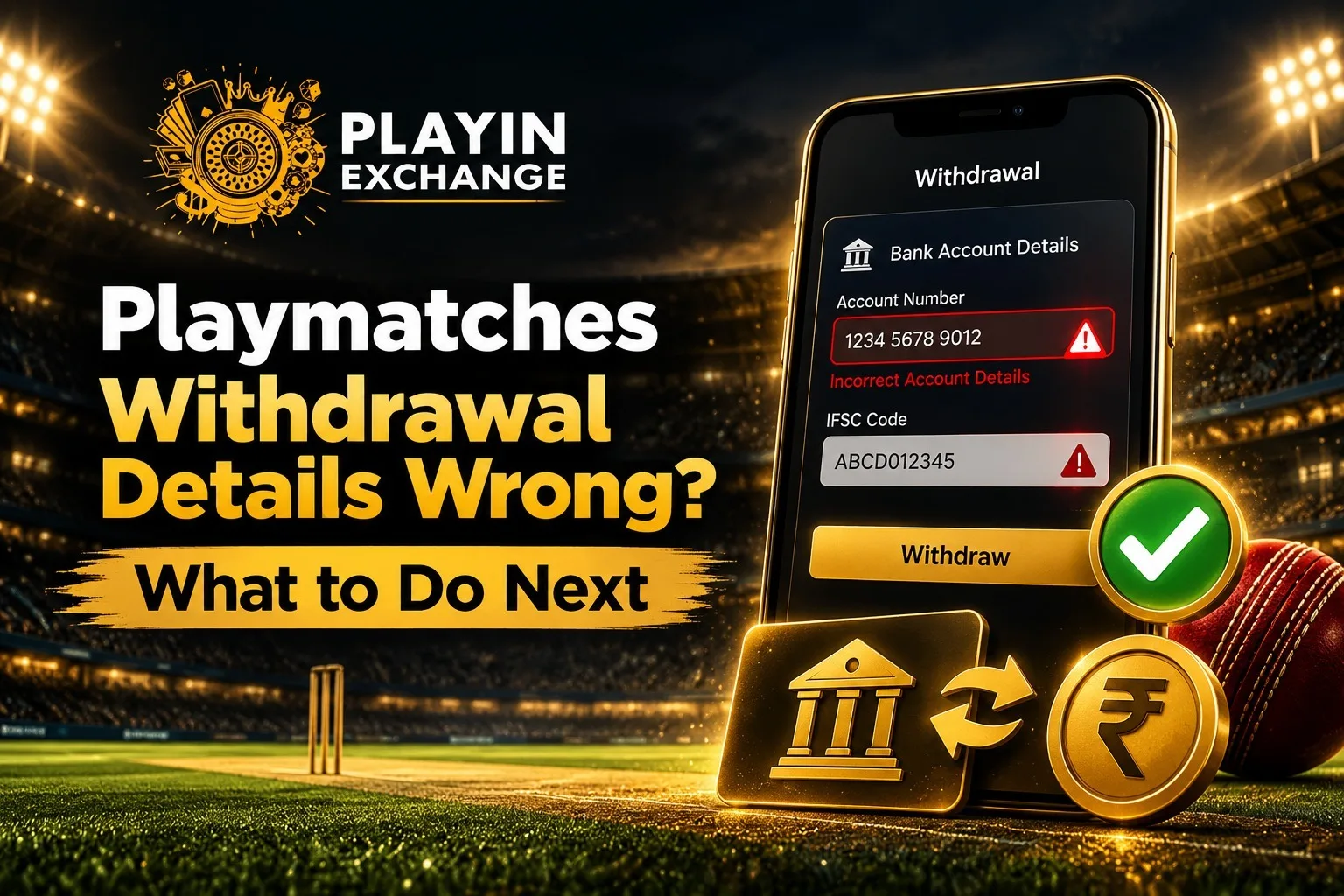
Compare the amount, date, transaction reference, payment method, and destination account in your payment history. For a bank transfer, recheck the account holder name and IFSC. For UPI, confirm the displayed recipient and UPI ID. Do not edit details or resubmit while the earlier request is still processing.
Never share your password, OTP, UPI PIN, or banking credentials with someone claiming to fix the issue. With the record checked, move to the status screen.
Use Simple Checks Across Mobile and Payment Methods
Sign in only through the app or website you originally used, then refresh the transaction page. Check whether the request is pending, rejected, completed, or returned. If the screen is not updating, reopen the app or check the official site on a trusted device. Note the time you checked.
UPI, bank transfers, cards, and wallets may show different status messages or processing windows. Bank holidays and payment provider delays can affect when money appears. Do not assume a pending request has failed or create repeated requests to test the system. If the status remains unclear, support will need a clean record of the original request.
Give Customer Support Useful Evidence
Prepare the transaction reference, date and time, amount, payment method, and a short explanation. For example, explain that the request displays one account but your saved record shows another, or that the status says completed while the credit is missing. Attach a screenshot only after hiding unrelated balances, phone numbers, and personal information.
If the payment was a tournament registration fee, playinmatch login published policy discusses refunds in certain cases, including tournament cancellation, duplicate payments, and an incorrect amount. Check the current policy to confirm what applies. Ask support for a case number or written acknowledgement so you can follow up without repeating the whole explanation.
A clear request helps establish whether the next step belongs to the platform or the bank.
Protect Long Term Value by Avoiding Rushed Retries
Keep the original receipt and support replies until the issue is resolved. Do not pay an extra “release” or “verification” charge to someone who contacts you privately, and do not install an unknown app to receive a refund. Use the support channel shown inside the verified service. Contact your bank or payment provider if a transfer is marked complete but has not arrived.
Customers increasingly expect clear updates and traceable support. You should be able to explain what happened, see the request status, and keep a record of the response. If the answer is vague, ask one specific follow up question and save the reply rather than changing your payment details again.
Read More : Playmatches Tournament Calendar and Event Planning Guide
Conclusion
When withdrawal details look wrong, verify the platform, preserve transaction evidence, check the payment information, and raise one clear support request. Distinguish a tournament fee refund from a separate wallet withdrawal, and follow the verified process for the service that handled your payment. Take the next step with Playmatches through its verified support channel, with your transaction reference ready.
FAQs
1. What should I do if my withdrawal details are incorrect?
Check your transaction history and confirm the account information through the service you originally used. Avoid submitting another request until you understand the status of the first one.
2. Why is my withdrawal showing as pending?
A pending status can indicate that the platform or payment provider has not completed processing. Check for status updates and contact verified support if the delay exceeds the platform’s stated timeframe.
3. Can incorrect bank details cause a payment delay?
Yes, incorrect account information, an account holder mismatch, or an incorrect IFSC can interfere with a transfer. Confirm the information against your bank records before making any changes.
4. What information should I provide to customer support?
Provide the transaction reference, date, amount, payment method, and a clear description of the problem. Share screenshots only after hiding unrelated personal and financial information.
5. Is it safe to share an OTP to resolve a withdrawal issue?
No. Never share your OTP, password, or UPI PIN with someone claiming to be a support agent. Use the verified support channel and keep your transaction records for follow up.