
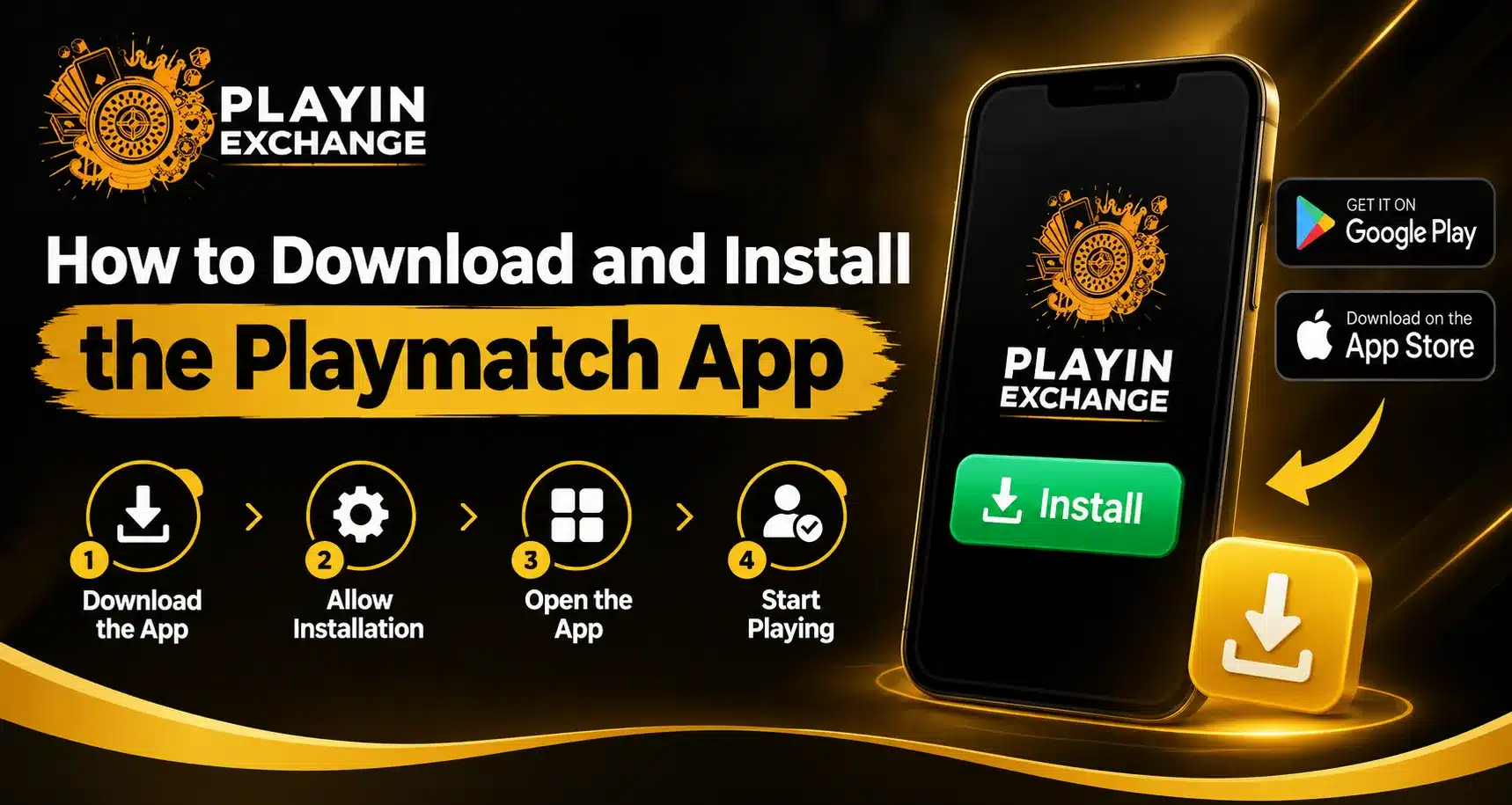
Downloading a sports app should be simple, but users often have questions about where to get the correct version, how to install it, and what to check before opening an account. Playmatch users can make the process easier by starting with a verified source and checking app details before installation. A careful download approach can improve security, reduce installation problems, and provide a smoother experience on a mobile device.
Why Choosing the Right App Source Matters
The first step is finding the correct application. Searching an app name can sometimes show multiple results with similar names, so users should not install the first result they see. Check the developer name, app description, screenshots, update information, and other identifying details before proceeding.
Current app-store results show similarly named applications, which makes verification particularly important. For example, the Playmatches application available through Google Play is listed under Zporti Solutions, while another similarly named Playmatch application is listed under a different developer.
We recommend using an official website or recognised app store whenever possible. This gives users a clearer way to confirm the source and reduces the risk associated with unknown APK files.
How to Download the App
For Android users, open Google Play and search for the exact application name. Before selecting Install, compare the developer information, icon, description, screenshots, and recent update details with the official source.
If the application is provided through an official website instead, follow its verified download instructions. Avoid links received through unknown messages, advertisements, or random file-sharing pages.
Users should also check whether their phone meets the application’s requirements. Available storage, operating-system compatibility, and a stable internet connection can all affect the download process.
Steps to Install on Android
Once the correct application has been identified, the installation process is generally straightforward:
- Open the verified app-store listing.
- Check the developer and application details.
- Select the Install button.
- Wait for the download to finish.
- Allow the installation to complete.
- Open the application from your phone.
- Follow the on-screen account or access instructions.
If an APK is offered instead of a standard store installation, users should be more careful. Confirm that the file comes from an official and trusted source before installing it. Unknown APK files can create unnecessary security and compatibility concerns.
Ease of Use and Everyday Comfort
A good mobile application should make common tasks easy to understand. Clear navigation, readable menus, responsive screens, and straightforward account controls can make a noticeable difference to the overall customer experience.
The official PlayMatches website highlights access to tournaments, scores, results, and notifications through its mobile app, showing how sports users increasingly expect important information to remain accessible while they are away from a desktop.
This type of convenience is useful for users who want quick access without repeatedly switching between websites, messages, and other services.
Features, Quality, and Versatility
Before installing any app, users should consider whether its features match their actual needs. Sports applications can serve different purposes, including tournament discovery, match tracking, live scoring, schedules, results, and event updates.
The PlayMatches platform, for example, supports several sports and provides tournament-related tools for players and organisers. Its website currently lists sports including badminton, pickleball, football, table tennis, basketball, tennis, and athletics.
Versatility can add long-term value when users participate in different sports or follow multiple events.
What to Do If Installation Does Not Work
Sometimes an app will not install because of insufficient storage, an outdated operating system, poor connectivity, or an incompatible device. Start by checking available storage and your internet connection. Restarting the phone can also resolve temporary issues.
If the problem continues, check the application’s official support information instead of downloading an unofficial replacement. Current PlayMatches store information provides developer support details, while its website also includes support and contact options.
Making a Thoughtful and Sustainable Choice
Digital services can reduce the need for printed schedules, physical notices, and repeated manual updates. However, users should still make thoughtful choices about the applications they install. Keeping only useful apps, updating them when required, and reviewing permissions can help maintain a cleaner and more manageable device.
Choosing verified software also supports a safer digital environment and avoids unnecessary downloads from unknown sources.
Changing Customer Expectations
Mobile users now expect more than basic access. They want applications that are convenient, reliable, easy to navigate, and useful across different situations. Fast access to schedules, scores, notifications, and event information has become an important part of the modern sports experience.
A well-designed app can therefore provide value beyond simple installation. It can become a convenient way to stay connected with sports activities while supporting a more comfortable and organised user experience.
Conclusion
Installing playinmatch login should begin with one simple step: verify that you have found the correct application and trusted download source. From there, checking device compatibility, following the installation instructions, and keeping the app updated can help create a smoother experience. We encourage users to prioritise verified sources, sensible security practices, and features that genuinely support their needs.
FAQs
1. Where should I download the Playmatch app?
Use the official website or a recognised app store whenever an official listing is available. Always verify the developer details, app name, icon, and description before installing to make sure you are using the correct application.
2. Can I install the app from an APK file?
APK installation may be available for some applications, but users should only consider files provided through an official and trusted source. Avoid downloading APK files from unknown websites or suspicious links, as they may create security or compatibility risks.
3. Why is the app not installing on my phone?
Common reasons include insufficient storage space, an outdated operating system, poor internet connectivity, or device incompatibility. Check these factors first, then restart your device and try the installation again if necessary.
4. How can I check whether I have the correct app?
Compare the developer name, app icon, description, screenshots, website information, and other identifying details with the official source. This can help you distinguish the intended application from similarly named apps.
5. Should I keep the app updated?
Yes. Keeping an application updated can provide bug fixes, performance improvements, compatibility changes, and new features. Check the official app-store listing regularly for available updates and install them from a trusted source.